GNX Side Extension Module (GNX-SEM)
GNX Side Extension Module (GNX-SEM)
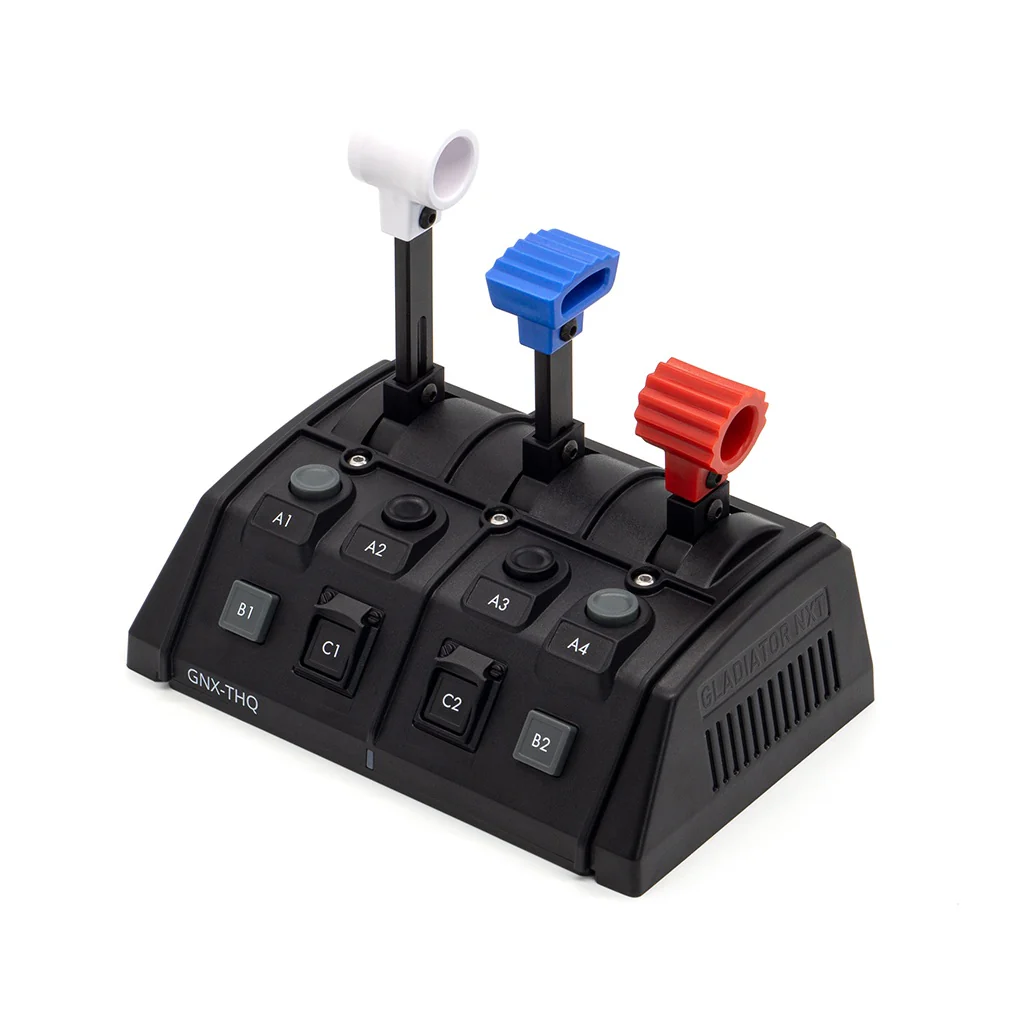
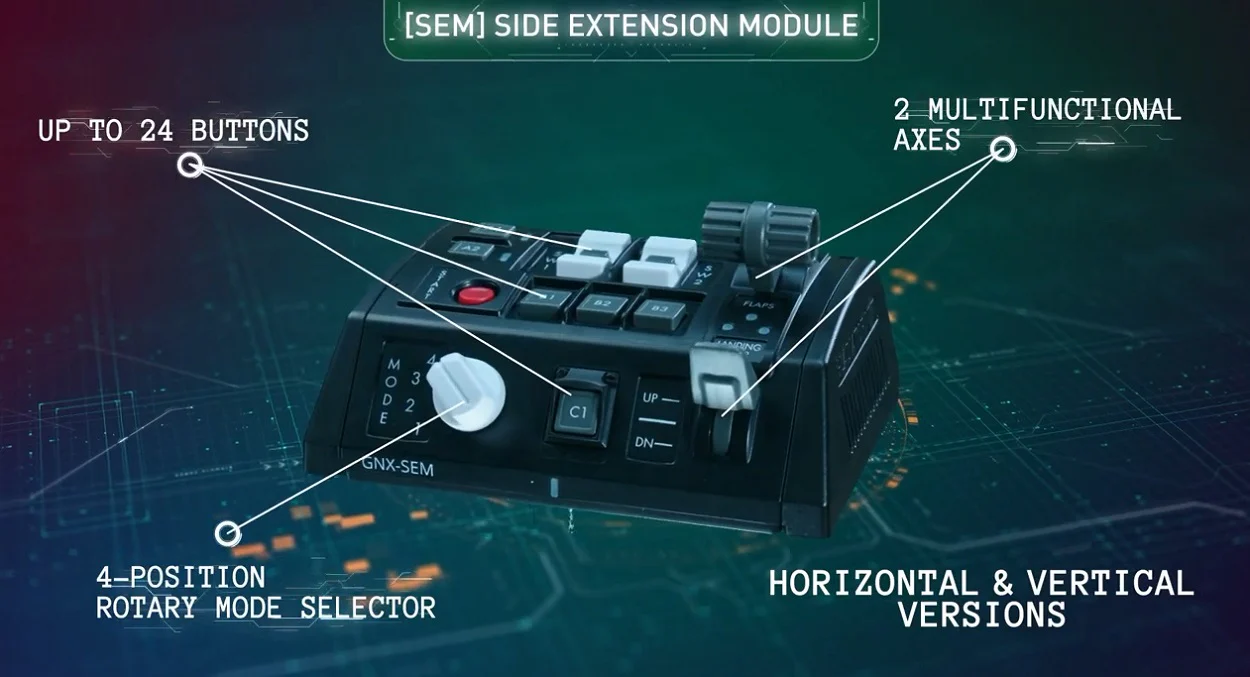
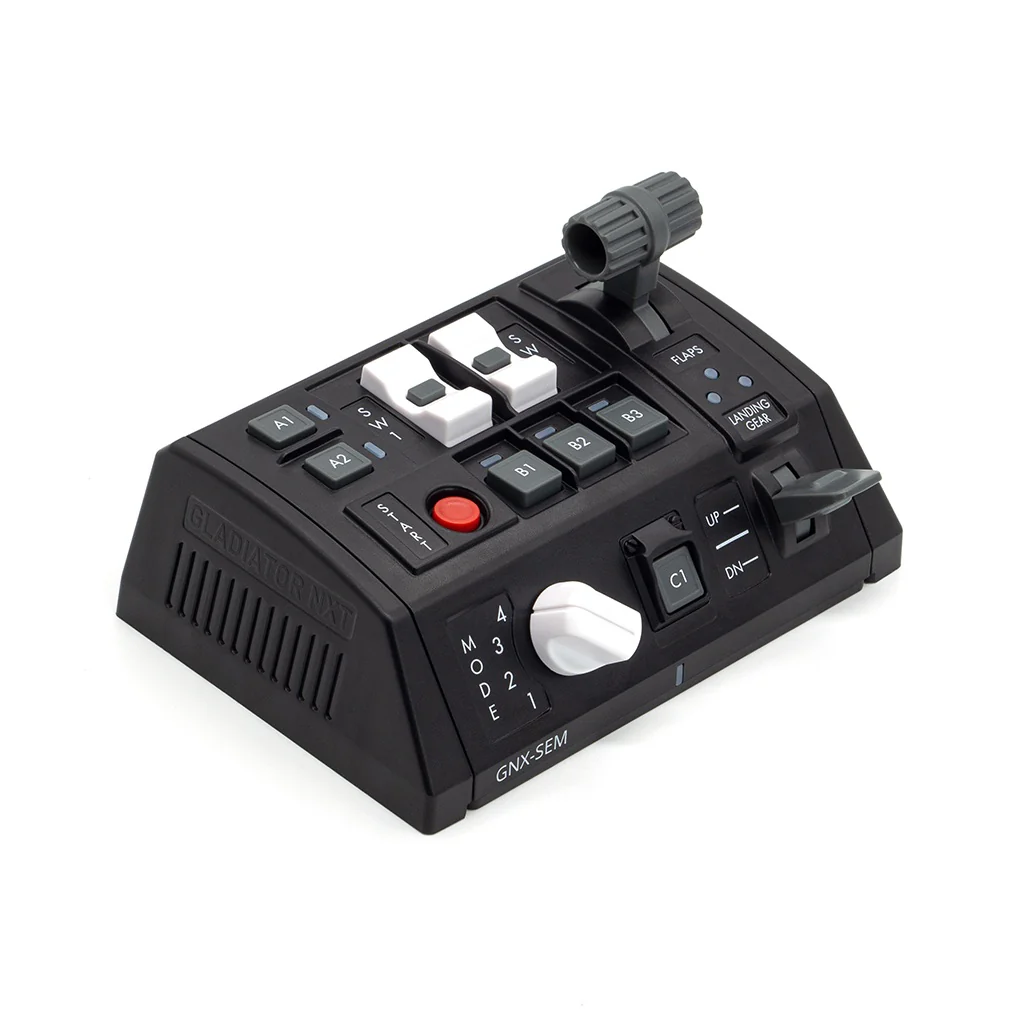
The GNX Side Extension Module adds a new level of realism to the passionate flight and space pilot.
While the GNX-SEM was designed with General Aviation pilots in mind, the module is highly configurable to suit any flight and space sim cockpit.
The SEM can be attached side-by-side to:
- Gladiator NXT EVO Standard or Premium controller base (from either side)
- SEM modules (max number of SEM modules in system – 4x)
- THQ modules (max number of THQ modules in system – 4x)
- Gladiator EVO Omni Throttle, but only on the opposite side of the throttle’s ‘elbow’. For example, a left-hand throttle only allows attachment on the right hand side. To overcome this limitation a USB Controller can be used which then allows the SEM to be connected to the PC and therefore placed independently of the controller
Up to 4 SEM modules can be accommodated in your cockpit.
Specifications
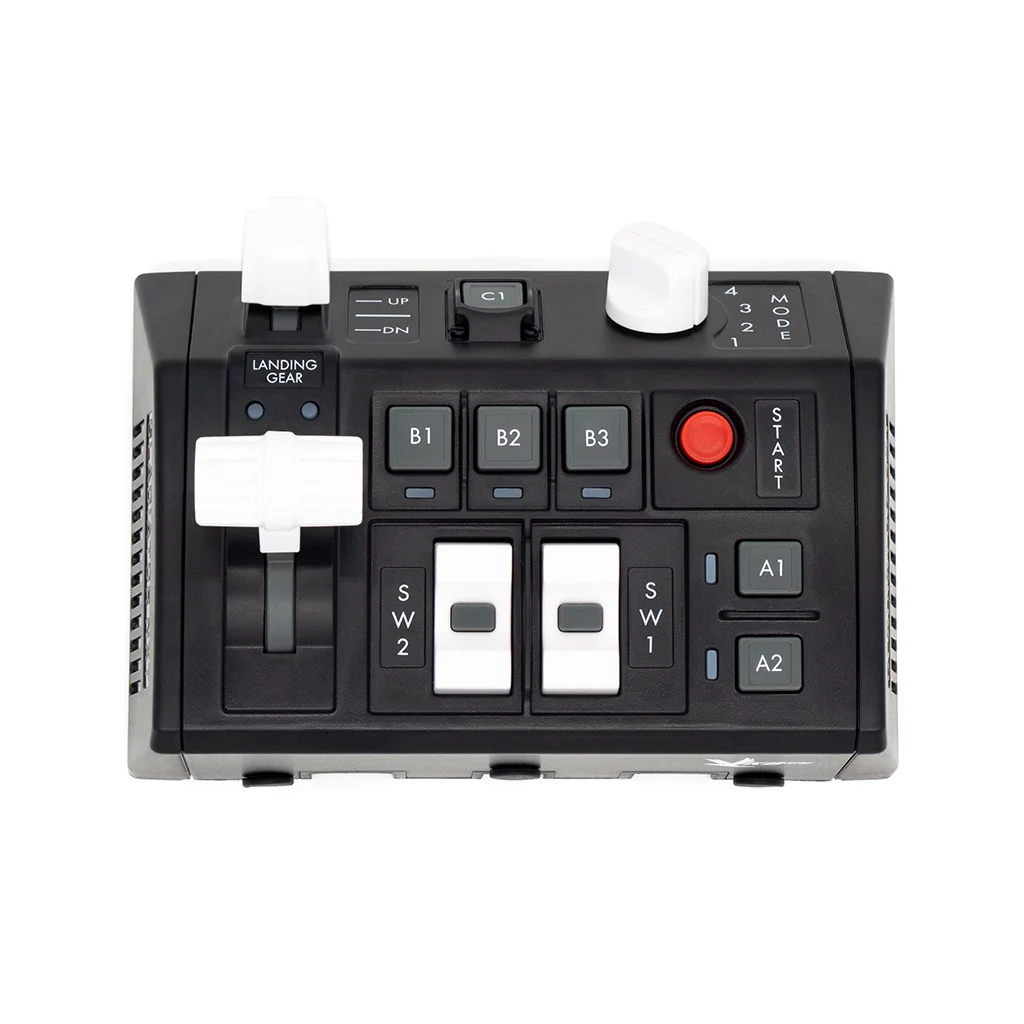
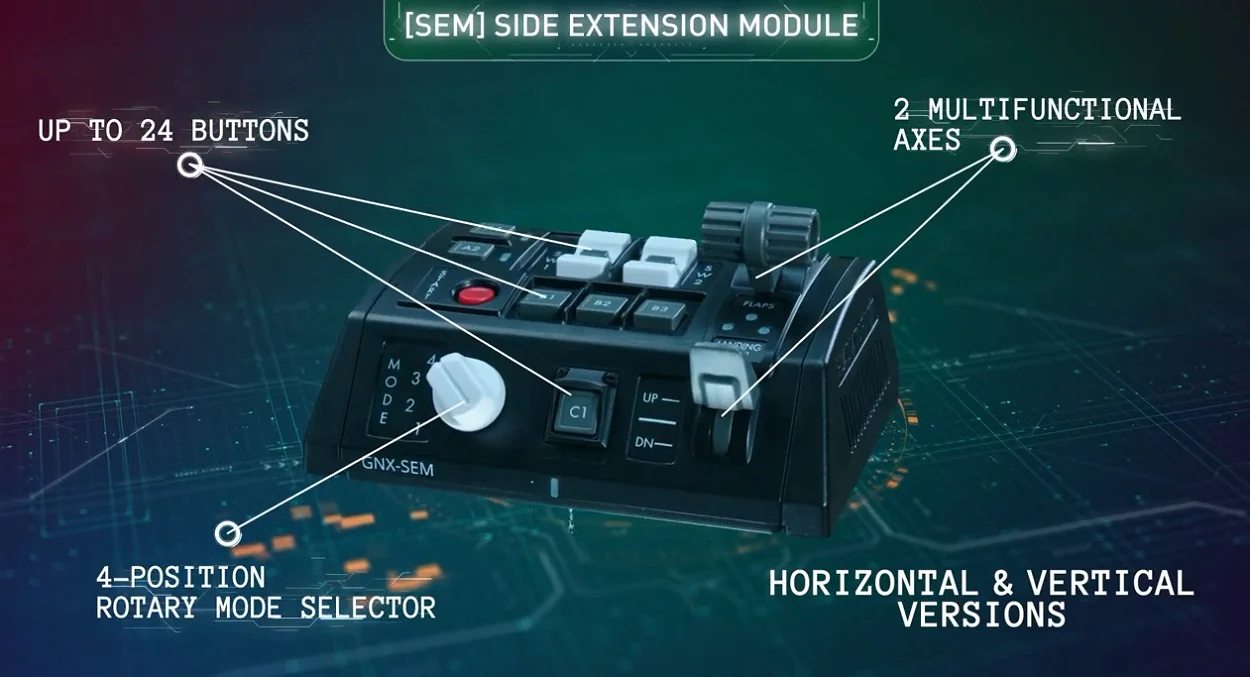
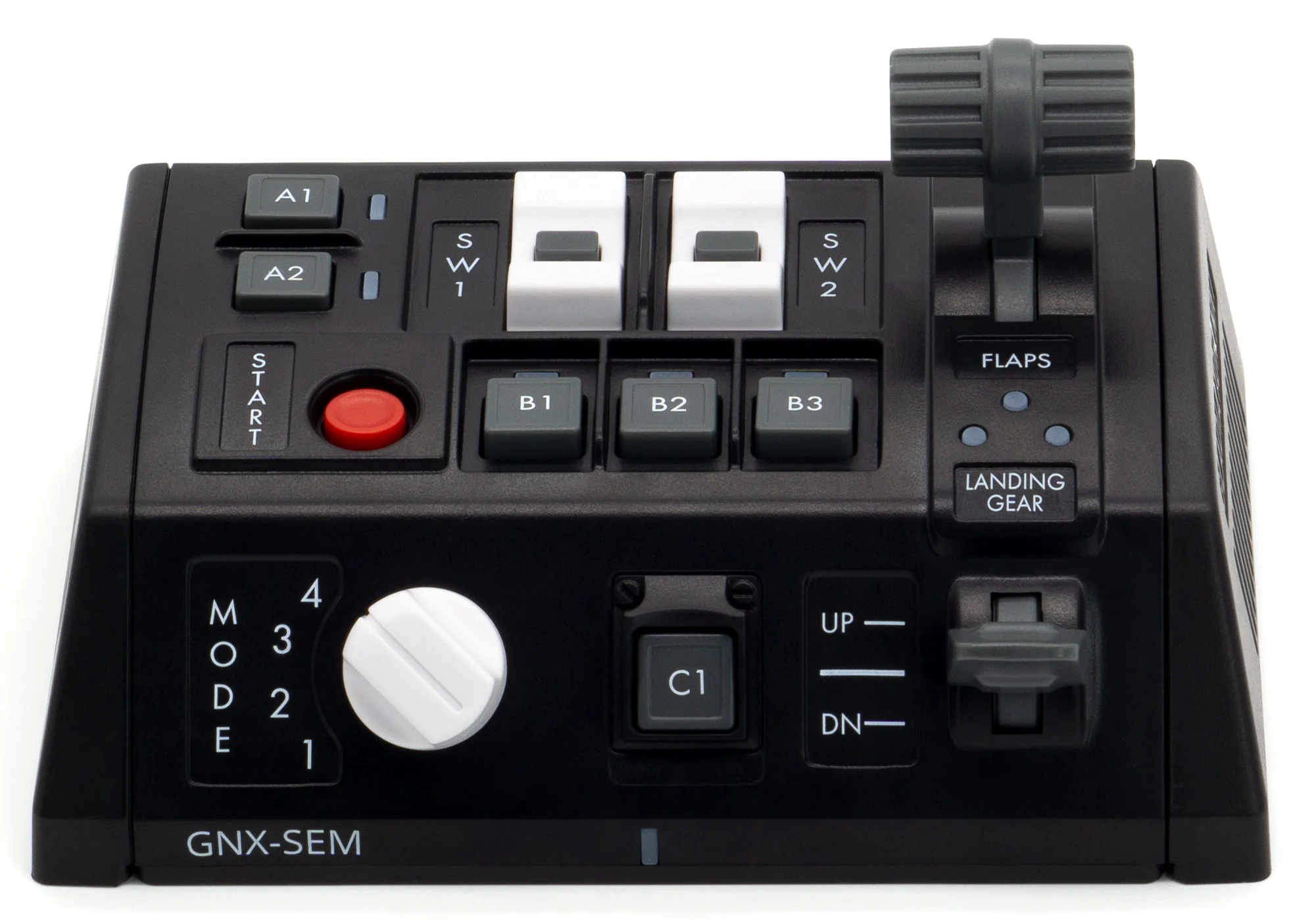
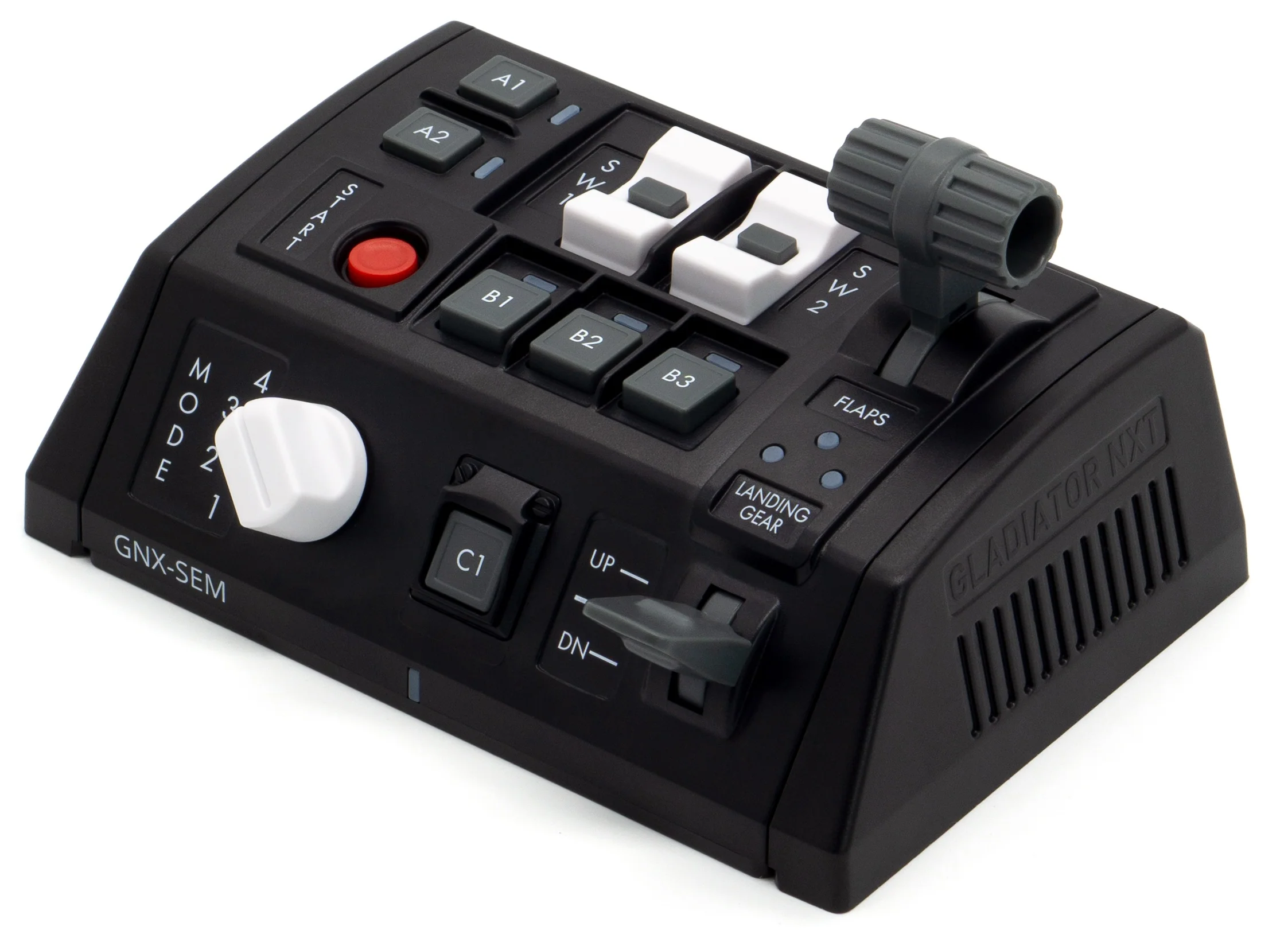
- 1 Rotary switch
- 2 Multi-function axis
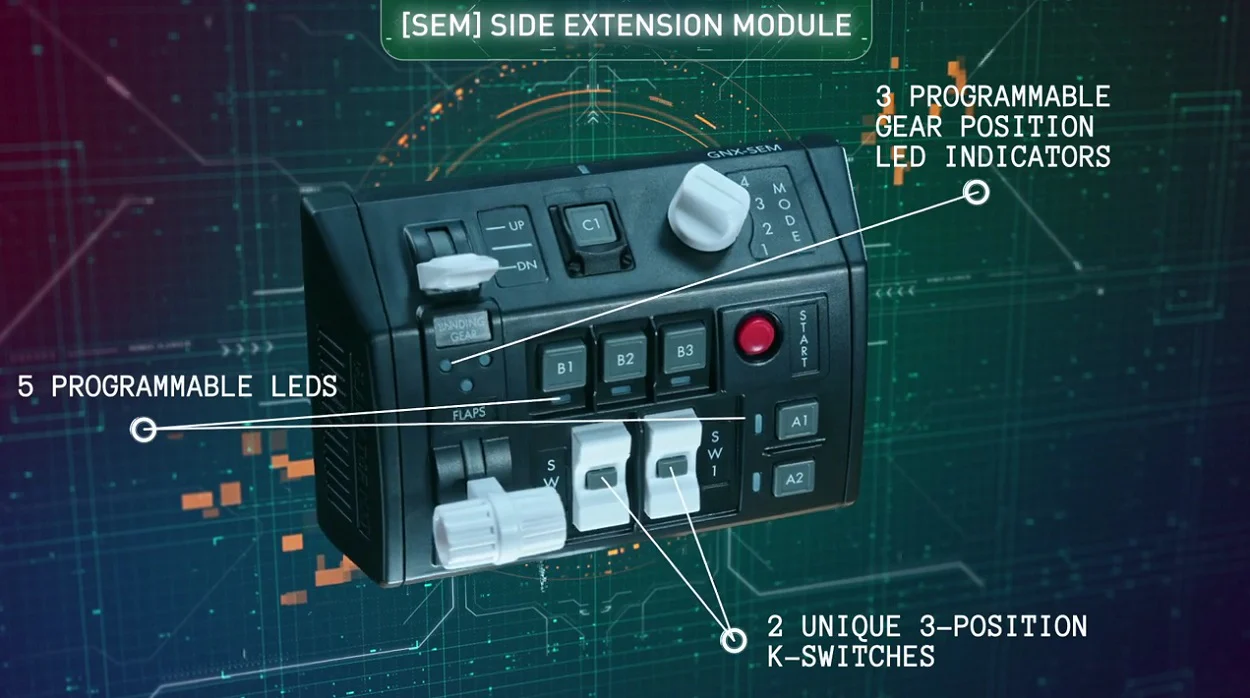
- 2 K-switches w/ central push button
- 7 Push buttons
- 8 Programmable, dual colour LEDs
- Provides either a total of 24 logical buttons, or 17 logical buttons and 2 analogue axis (based on configuration)


Connectivity
- GNX BUS Connection (included)
–OR– - USB Connection - requires GNX USB Controller (HID-Main)
Important: Depending on your configuration of controller/s and GNX modules, you may require a GNX USB Controller. Please check the information on the GNX USB Controller page.
Compatible with
- Gladiator NXT Standard or Premium
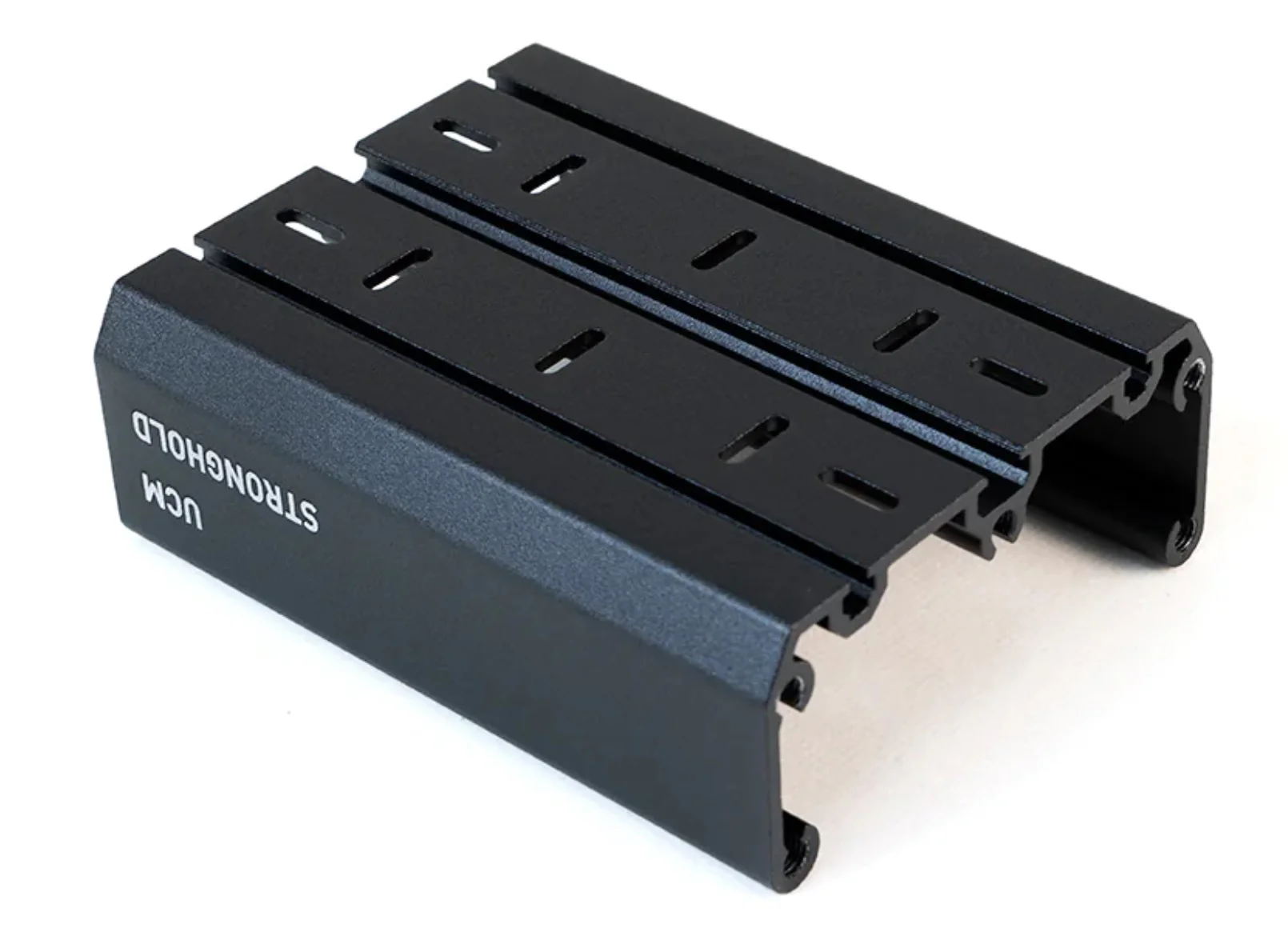
- UCM Stronghold
- GNX USB Controller (HID-Main)
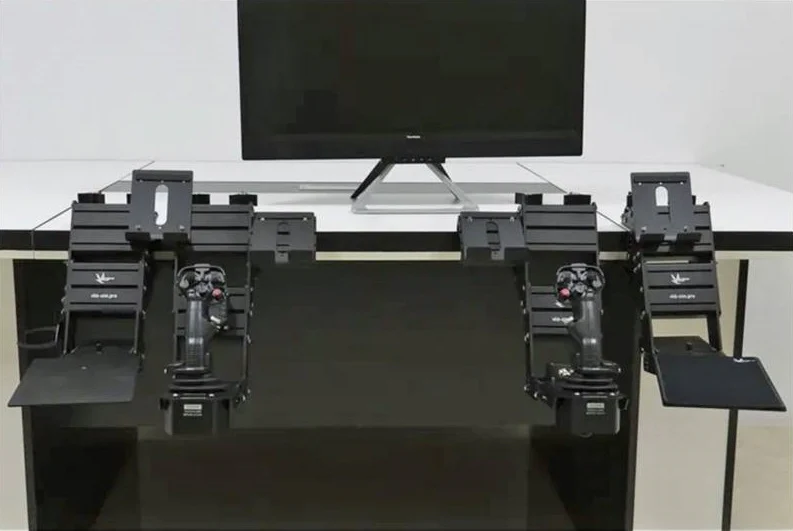
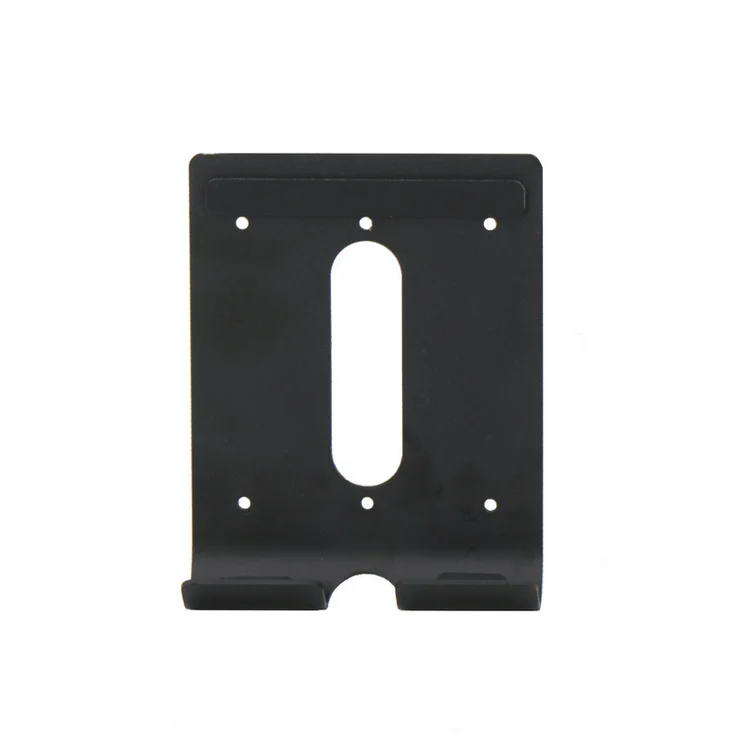
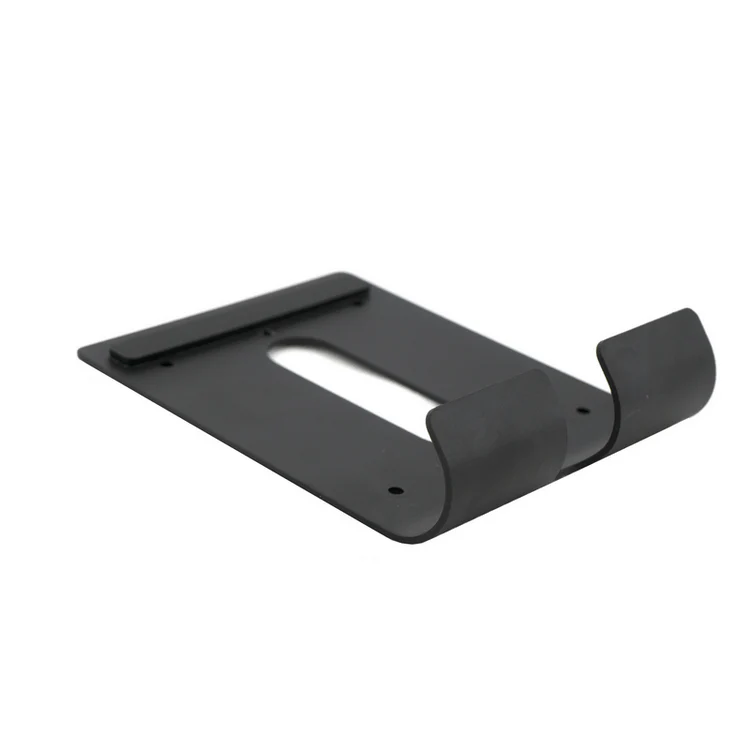
- Recommended GNX MFH (Multi Functional Holder) in order to mount module
Contents
- SEM
- Plastic coupler
- Type-C connector guard
- Rubber pads
- Plastic spacers
- Interchangeable heads
- Interchangeable detents
- Internal “module-to-module” cable
- Internal “module-to-joystick” cable
- Phillips Screw driver
- HEX Screw driver
- Stickers with protective film
Instructions
Downloads
Warranty
- 1 Year
More Images
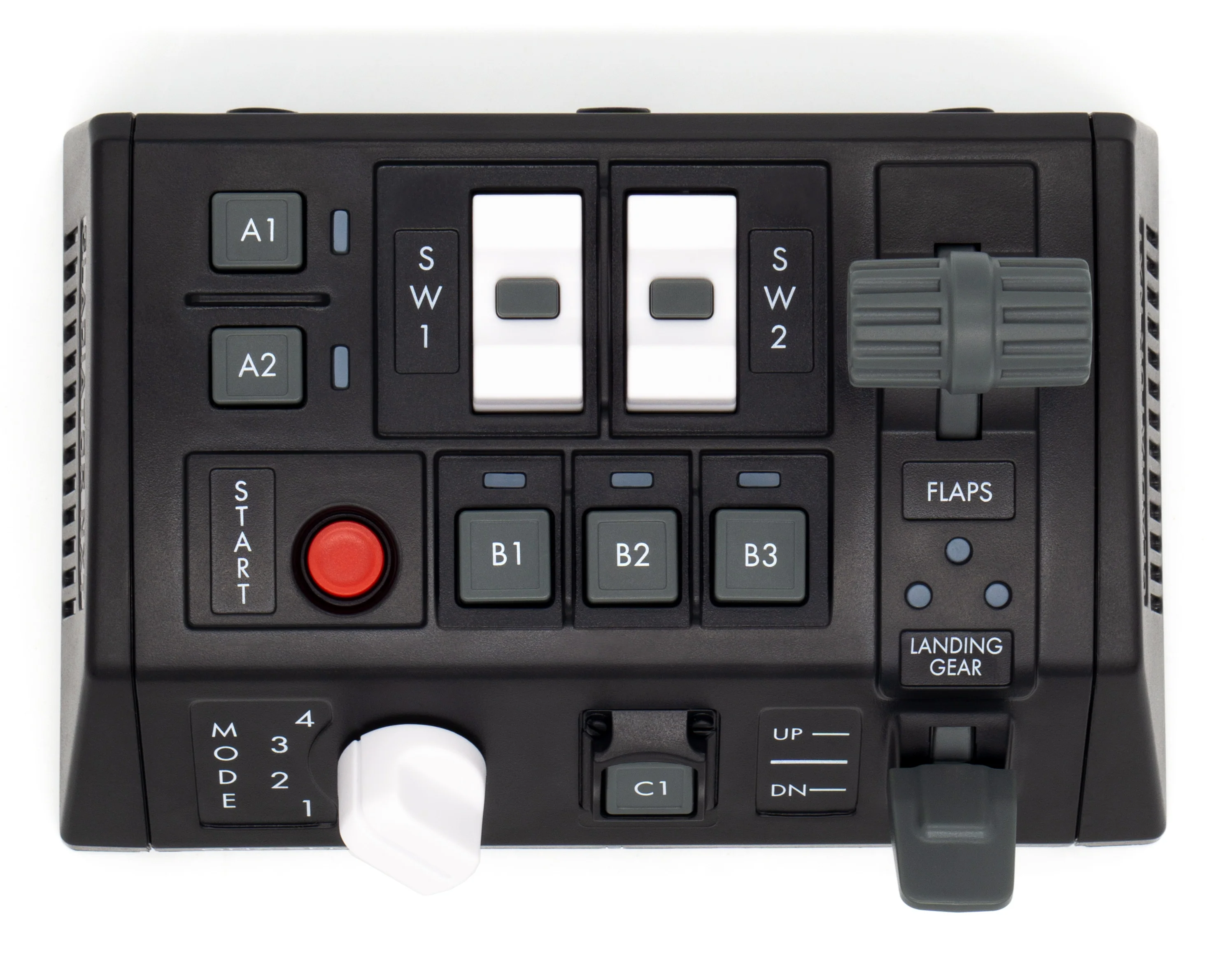
GNX Side Extension Module (GNX-SEM)
GNX Side Extension Module (GNX-SEM)
The GNX Side Extension Module adds a new level of realism to the passionate flight and space pilot.
While the GNX-SEM was designed with General Aviation pilots in mind, the module is highly configurable to suit any flight and space sim cockpit.
The SEM can be attached side-by-side to:
- Gladiator NXT EVO Standard or Premium controller base (from either side)
- SEM modules (max number of SEM modules in system – 4x)
- THQ modules (max number of THQ modules in system – 4x)
- Gladiator EVO Omni Throttle, but only on the opposite side of the throttle’s ‘elbow’. For example, a left-hand throttle only allows attachment on the right hand side. To overcome this limitation a USB Controller can be used which then allows the SEM to be connected to the PC and therefore placed independently of the controller
Up to 4 SEM modules can be accommodated in your cockpit.
Specifications
- 1 Rotary switch
- 2 Multi-function axis
- 2 K-switches w/ central push button
- 7 Push buttons
- 8 Programmable, dual colour LEDs
- Provides either a total of 24 logical buttons, or 17 logical buttons and 2 analogue axis (based on configuration)
Connectivity
- GNX BUS Connection (included)
–OR– - USB Connection - requires GNX USB Controller (HID-Main)
Important: Depending on your configuration of controller/s and GNX modules, you may require a GNX USB Controller. Please check the information on the GNX USB Controller page.
Compatible with
- Gladiator NXT Standard or Premium
- UCM Stronghold
- GNX USB Controller (HID-Main)
- Recommended GNX MFH (Multi Functional Holder) in order to mount module
Contents
- SEM
- Plastic coupler
- Type-C connector guard
- Rubber pads
- Plastic spacers
- Interchangeable heads
- Interchangeable detents
- Internal “module-to-module” cable
- Internal “module-to-joystick” cable
- Phillips Screw driver
- HEX Screw driver
- Stickers with protective film
Instructions
Downloads
Warranty
- 1 Year
Product Information
Product Information
Shipping & Returns
Shipping & Returns
Description
GNX Side Extension Module (GNX-SEM)
The GNX Side Extension Module adds a new level of realism to the passionate flight and space pilot.
While the GNX-SEM was designed with General Aviation pilots in mind, the module is highly configurable to suit any flight and space sim cockpit.
The SEM can be attached side-by-side to:
- Gladiator NXT EVO Standard or Premium controller base (from either side)
- SEM modules (max number of SEM modules in system – 4x)
- THQ modules (max number of THQ modules in system – 4x)
- Gladiator EVO Omni Throttle, but only on the opposite side of the throttle’s ‘elbow’. For example, a left-hand throttle only allows attachment on the right hand side. To overcome this limitation a USB Controller can be used which then allows the SEM to be connected to the PC and therefore placed independently of the controller
Up to 4 SEM modules can be accommodated in your cockpit.
Specifications
- 1 Rotary switch
- 2 Multi-function axis
- 2 K-switches w/ central push button
- 7 Push buttons
- 8 Programmable, dual colour LEDs
- Provides either a total of 24 logical buttons, or 17 logical buttons and 2 analogue axis (based on configuration)
Connectivity
- GNX BUS Connection (included)
–OR– - USB Connection - requires GNX USB Controller (HID-Main)
Important: Depending on your configuration of controller/s and GNX modules, you may require a GNX USB Controller. Please check the information on the GNX USB Controller page.
Compatible with
- Gladiator NXT Standard or Premium
- UCM Stronghold
- GNX USB Controller (HID-Main)
- Recommended GNX MFH (Multi Functional Holder) in order to mount module
Contents
- SEM
- Plastic coupler
- Type-C connector guard
- Rubber pads
- Plastic spacers
- Interchangeable heads
- Interchangeable detents
- Internal “module-to-module” cable
- Internal “module-to-joystick” cable
- Phillips Screw driver
- HEX Screw driver
- Stickers with protective film
Instructions
Downloads
Warranty
- 1 Year